
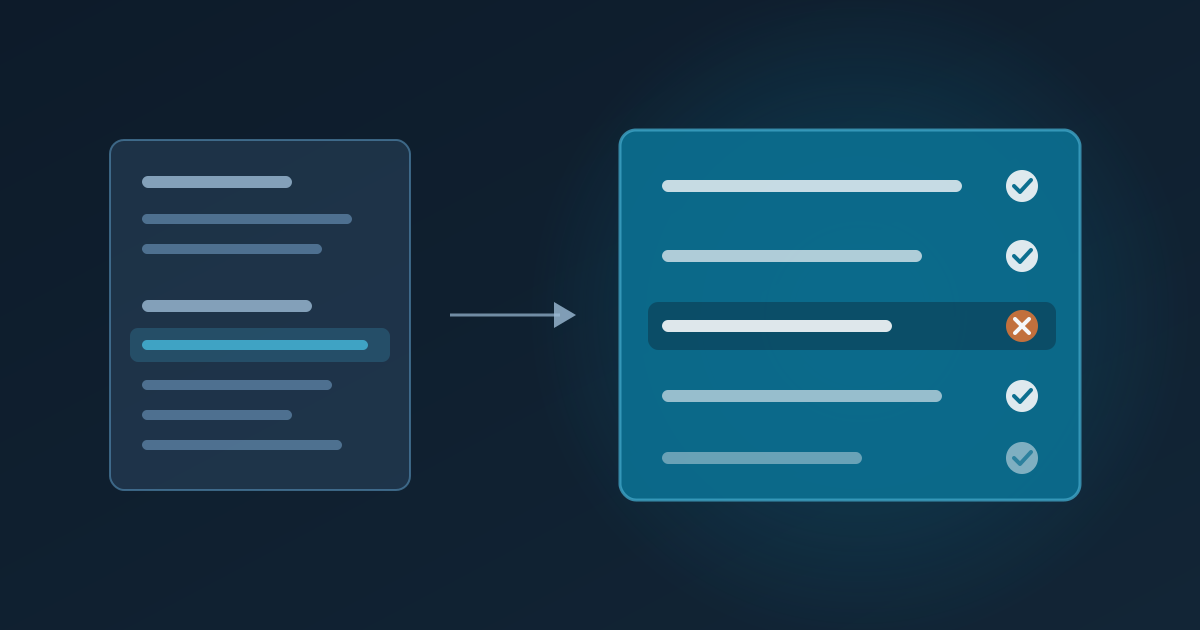
For years, checking a robots.txt change meant opening the robots.txt Tester in Search Console, editing the rules and typing in a URL to see whether Googlebot could crawl it. In late 2023 Google retired that tool. Many people still search for it, because the need has not gone away: one wrong line in robots.txt can stop Google crawling a whole section of a website.
Here is what Google offers instead, what it no longer does, and a routine for testing a change before it costs you traffic.
What Search Console offers now
The tester was replaced by two things:
- The robots.txt report, under Settings in Search Console. It shows which robots.txt files Google found for your site, when it last fetched them, and any errors or warnings. You can ask Google to fetch the file again after an urgent fix.
- URL Inspection, which tells you whether one live URL is blocked by robots.txt.
Both look at the file that is already live, and URL Inspection checks one address at a time. What is missing is the part that mattered most: testing a draft of the rules against a list of URLs before you publish it.
How Google reads robots.txt
Most robots.txt mistakes come from assuming the file is read top to bottom, like a list of instructions. It is not. Google follows a few rules, written down in the robots.txt standard (RFC 9309), and it helps to know them before testing anything.
1. A crawler follows only its own group. If a group names Googlebot, Googlebot ignores the
User-agent: * group completely:
User-agent: *
Disallow: /admin/

User-agent: Googlebot
Disallow: /search
Here Googlebot may crawl /admin/, because its own group says nothing about it. If a rule should
apply to every crawler, repeat it in each named group.
2. The longest matching rule wins, not the first one. Order in the file does not matter:
User-agent: *
Disallow: /shop/
Allow: /shop/gift-box/
/shop/gift-box/olive-oil is allowed, because the Allow rule matches more characters.
/shop/cart is blocked. When an Allow and a Disallow rule are equally long, Allow wins.
3. Rules match the start of the path. Disallow: /blog also blocks /blog-news and
/blogger.html. Write Disallow: /blog/ if you mean the folder. Paths are case-sensitive, *
matches any characters, and $ marks the end of the address: Disallow: /*.pdf$ blocks PDF files.
4. Some lines do nothing for Google. Google ignores Crawl-delay, and it stopped supporting
Noindex in robots.txt in 2019.
5. robots.txt controls crawling, not indexing. A blocked page can still appear in search
results if other pages link to it, just without a description. To keep a page out of Google, let it
be crawled and add a noindex tag instead.
A routine for testing a change
Before you publish:
- List the URLs that must stay crawlable: the home page, your main categories, a few products or articles, and the CSS and JavaScript files your pages need. Your sitemap is a good source.
- List the URLs you mean to block, such as internal search results, filtered pages or an admin area.
- Paste the draft rules and both lists into a tester, choose Googlebot, and check every result. Our free robots.txt tester follows the rules above and shows the line that decides each URL. It runs in your browser, so the draft is not sent anywhere.
- Repeat for any other crawler you care about, such as Bingbot, or GPTBot if you are blocking AI crawlers.
After you publish:
- Open the robots.txt report in Search Console and check that Google fetched the new file without errors. Request a new fetch if the change is urgent.
- Run URL Inspection on two or three important pages to confirm that crawling is allowed.
Mistakes worth testing for
- A staging file goes live. Development sites often use
Disallow: /. Copied to production during a launch, it blocks everything. Test the live file on launch day. - A Googlebot group that forgets the general rules. Adding a group for Googlebot quietly
removes every
*rule for Google, as in the first example above. - Blocking a prefix by accident.
Disallow: /pto block one folder also blocks/products/and/pricing. - Blocking CSS and JavaScript. Google renders pages like a browser. If it cannot load the files, it may not see your content or your mobile layout.
- Using robots.txt to remove pages from Google. It hides the content from Google but can leave
the address in results. Use
noindex, and remove the block until Google has seen it.
Five minutes well spent
A robots.txt change is a few lines of text, which is exactly why it is easy to publish without a second look. Testing the draft against the URLs that matter takes five minutes, and catches the mistakes that otherwise show up weeks later as a drop in Search Console.